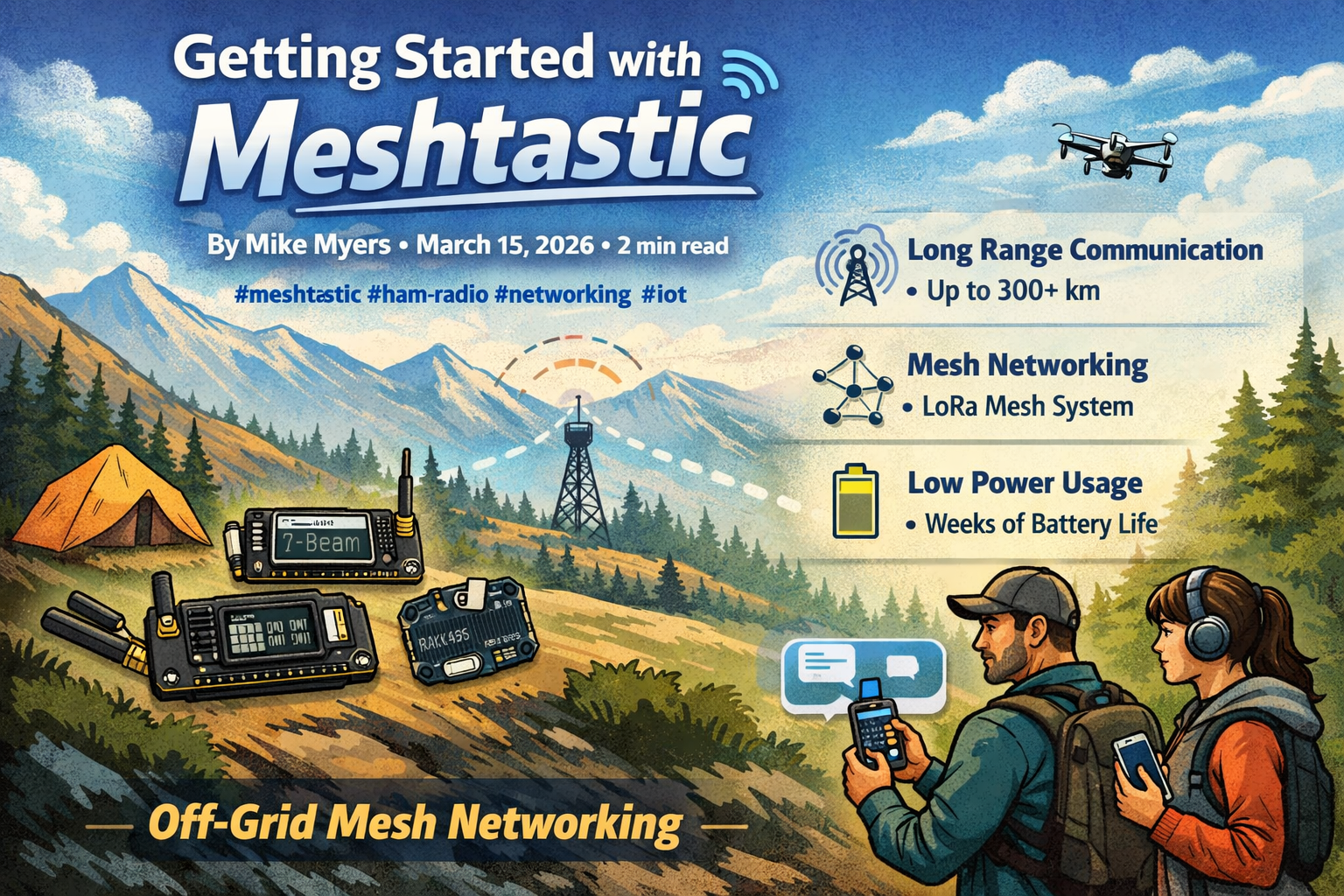
Getting Started with Meshtastic
Meshtastic is an open-source mesh network system that provides long-range communication without infrastructure. It’s perfect for camping, emergencies, or simply exploring mesh networking technology.
What is Meshtastic?
Meshtastic creates a decentralized mesh network using LoRa (Long Range) radio technology. Devices act as repeaters, extending the network range and creating redundancy.
Key Features
- Long Range - Up to 300+ km line-of-sight
- Mesh Networking - Self-healing network with multiple paths
- Low Power - Battery life of weeks to months
- Open Source - Community-driven development
- Privacy - End-to-end encryption by default
- Multi-Platform - Works on Android, iOS, desktop, and custom hardware
Getting Your First Device
Hardware Options
T-Beam - Popular starter device ($50-80)
- Built-in GPS
- Battery management
- Easy to use
Heltec WiFi LoRa 32 - Good for experimenting ($30-50)
- WiFi connectivity
- OLED display
- Compact size
RAK4631 - Premium option ($80+)
- Long battery life
- Excellent range
- Professional-grade
Setup Steps
Flash the Firmware
- Download latest Meshtastic release
- Connect device via USB
- Use the web flasher tool
Install Mobile App
- Android: Google Play Store
- iOS: Apple App Store
- Or use desktop client
Configure Your Device
- Set region (affects LoRa frequency)
- Enable GPS if available
- Set display preferences
Join or Create a Mesh
- If nearby devices exist, auto-connect
- Or start your own network
Basic Usage
Sending Messages
- Use the mobile app to compose messages
- Messages route through mesh automatically
- See delivery status and signal strength
Monitoring Network
- View connected nodes
- Check signal quality
- See battery levels of nearby devices
GPS Tracking (Optional)
With devices that have GPS:
- Share your position with the mesh
- See positions of other users
- Great for group activities
Tips for Success
- Antenna Matters - A good antenna doubles your range
- Height is Everything - Higher placement = better coverage
- Line of Sight - Works best with unobstructed path
- Network Healing - Mesh automatically finds routes
- Power Management - Lower TX power extends battery
Common Mistakes
- Poor Antenna - Stock antenna works but limits range
- Low Placement - Keep devices elevated
- Too Many Hops - Limit hop count for better delivery
- Regional Settings - Wrong region = incompatible frequency
Next Steps
- Research device options for your use case
- Order a device and antenna
- Flash the latest firmware
- Find local Meshtastic users
- Experiment and have fun!